Smart TV buying guide 2022 for 4K, HDR, gaming and streaming

Start with what a 2022 smart TV needed to do well
A useful smart TV buying guide for 2022 should start with the way the television will be used, not with the longest feature list on the box. Streaming movies, watching sports, gaming on a newer console, replacing cable, and placing a TV in a bright family room all point to different priorities. For most buyers in 2022, a strong 4K TV with credible HDR performance, reliable apps, enough HDMI ports, and clear privacy controls was a better purchase than an expensive 8K set with limited everyday benefit.
The safer approach was to match screen size to viewing distance, choose a panel type that suited the room lighting, verify HDMI 2.1 features only when gaming mattered, and check energy information before buying. This guide focuses on 2022-era smart TV decisions and older-stock comparisons. For more product education articles, visit our buying guides section.
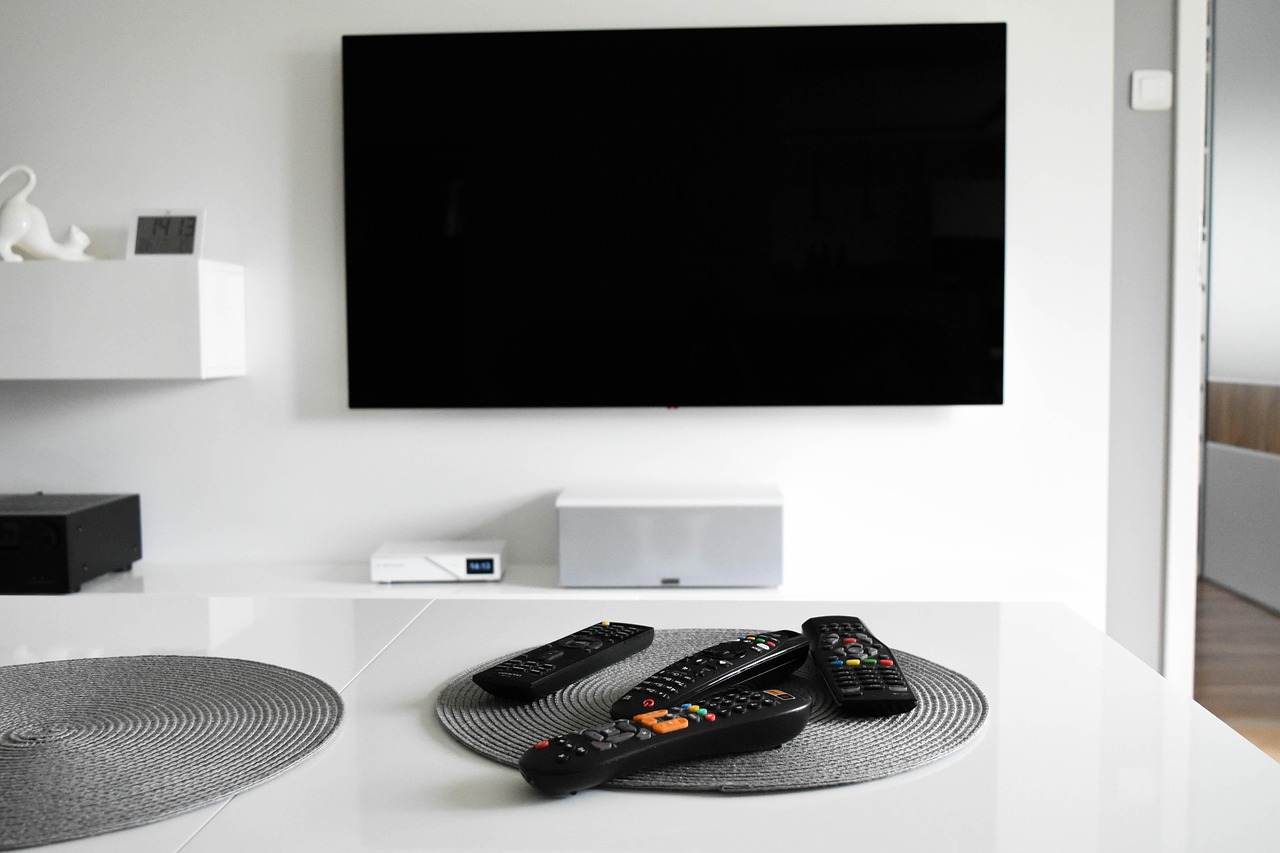
Choose screen size before choosing a brand
Screen size affects daily satisfaction more than many small specification differences. A premium 55-inch TV can look excellent, but it may feel small if the main sofa is far away. A very large low-end screen can impress at first, yet weaknesses in brightness, contrast, motion handling, and upscaling become easier to see as the screen gets bigger.
For 4K TVs, buyers in 2022 could usually sit closer than they did with older 1080p sets because the pixel structure was less visible at normal living-room distances. Review labs and home theater guidance often used viewing angle as a practical sizing method instead of relying only on resolution. As a simple mixed-use rule, many rooms worked well when the viewing distance in inches was roughly 1.5 to 1.7 times the screen diagonal.
| Viewing distance | Practical 4K screen range | Best fit |
|---|---|---|
| 5 to 6 feet | 43 to 50 inches | Bedrooms, apartments, casual streaming |
| 7 to 8 feet | 55 to 65 inches | Most living rooms and mixed use |
| 9 to 10 feet | 65 to 75 inches | Sports, movies, family viewing |
| 11 feet or more | 75 inches and larger | Large rooms and home theater layouts |
Do not choose size from the wall space alone. Measure the main seating distance, check whether the stand fits your furniture, and leave room for a soundbar if you plan to use one. If the room has many side seats, also consider viewing angle. Some LCD-based TVs lose contrast and color accuracy when viewed from off-center positions.
Understand the main panel choices
In 2022, most smart TVs fell into a few display categories: basic LED/LCD, QLED LCD, mini-LED LCD, and OLED. The naming could be confusing. QLED was still an LCD TV that used quantum dots to improve color, while OLED was a different self-emissive technology in which individual pixels could turn off.
LED/LCD and QLED
Standard LED/LCD TVs were usually the budget option. They were good enough for news, daytime TV, casual streaming, and children’s rooms, but entry-level models often had limited brightness and weaker contrast. QLED models typically improved color volume and brightness compared with basic LCD sets, which made them useful for bright rooms and sports viewing.
Mini-LED LCD
Mini-LED mattered because it allowed more precise backlight control than conventional LED backlighting. A good mini-LED TV could deliver high brightness for HDR while reducing the grayish blacks and haloing that cheaper LCD TVs often showed in dark scenes. Performance still depended on processing and local dimming quality, not just the term “mini-LED” on the carton.
OLED
OLED was the premium choice for movie fans who watched in dim or controlled lighting. Its main advantage was pixel-level black control, which helped dark scenes look more cinematic. The usual trade-offs were price, peak brightness compared with the brightest LCD models, and the need to be mindful of long static images such as news tickers or fixed game HUDs.
Prioritize useful HDR over 8K marketing
For most 2022 buyers, 4K resolution was the sensible target. Full HD TVs still existed in smaller sizes, but 4K had become the mainstream resolution for mid-size and large screens. ENERGY STAR consumer guidance described UHD TVs with 3,840 by 2,160 resolution as the new standard resolution for TVs, and streaming services widely offered 4K content by that time.
HDR was more important than simply counting pixels. A TV needed enough brightness, contrast, and color capability to make HDR look noticeably better than standard dynamic range. HDR10 support was common, while Dolby Vision and HDR10+ added dynamic metadata that could adjust tone mapping scene by scene when the content and TV supported it. That did not mean every Dolby Vision TV was automatically excellent. A dim TV with limited contrast could still deliver only a modest HDR improvement.
8K was harder to justify for mainstream buyers in 2022. It made more sense for very large premium screens or buyers who wanted early-adopter hardware, but native 8K content was limited for normal streaming and broadcast use. At the same budget, a better 4K TV generally delivered more visible value than an entry-level 8K model.
Check the smart platform, apps and update expectations
A smart TV is also a streaming device, so the operating system matters. In 2022, common platforms included Roku TV, Fire TV, Google TV or Android TV, Samsung Tizen, and LG webOS. The best platform was not the same for every buyer. Some households wanted the simplest remote and home screen; others wanted stronger voice search, smart-home integration, or better support for niche apps.
Before buying, check three things. First, confirm that your essential apps are supported, including regional sports, live TV, fitness, or children’s services. Second, look at how many years the brand typically provides software updates, because app support can decline on older smart TVs. Third, decide whether the built-in platform matters to you at all. If you already use Apple TV, Roku, Fire TV, or another external box, picture quality and ports may be more important than the built-in interface.
Privacy also belongs in the buying decision. Smart TVs can collect viewing and usage data through app analytics, voice features, advertising IDs, and automatic content recognition settings. The Federal Trade Commission’s past action involving Vizio highlighted how smart TV viewing data could become a consumer privacy issue. A careful buyer should review privacy settings during setup, limit unnecessary voice or viewing-data features, and avoid signing into services that are not needed.
Know when HDMI 2.1 and 120Hz are worth paying for
HDMI 2.1 was one of the most important 2022 TV specifications for gamers, and also one of the easiest to misunderstand. The HDMI Licensing Administrator describes HDMI 2.1 features such as support for 4K at 120Hz, variable refresh rate, auto low latency mode, and enhanced audio return channel. Those features were useful only if the TV actually implemented them and the connected devices could use them. See also: care tips.
If you owned or planned to buy a PlayStation 5, Xbox Series X, or gaming PC, look for a native 120Hz panel, low input lag, VRR support, and enough HDMI 2.1 inputs for your console and sound system. Some 2022 TVs had only one or two full-bandwidth ports, and one of those might also be the eARC port for a soundbar or receiver. That mattered if you wanted multiple consoles connected at the same time.
If you mainly watched streaming series, news, and movies, do not overpay for gaming features you will not use. A 60Hz TV with good contrast, color, and processing could be a better value for non-gamers than a cheaper 120Hz model with weak HDR.
Do not ignore sound, networking and energy use
Thin TVs rarely produce deep, room-filling sound. In 2022, many smart TVs supported eARC, which made it easier to send higher-quality audio from TV apps and HDMI devices to a soundbar or AV receiver. If dialogue clarity matters, it is usually better to budget for a basic soundbar than to expect the TV’s built-in speakers to do everything.
Networking is another practical detail. Netflix recommends 15 Mbps or higher for Ultra HD streaming, but that assumes a stable connection and covers only one service requirement. Homes with several people streaming, gaming, or video calling at the same time need more headroom. If Wi-Fi is weak near the TV, an Ethernet port or better router placement can improve reliability more than changing TV brands.
Energy use became more visible because TVs were sold with EnergyGuide labels in the United States. The FTC explains that these labels help shoppers compare estimated operating cost and energy consumption, while ENERGY STAR sets efficiency criteria for certified televisions. Larger screens, higher brightness, and long daily viewing time can all increase electricity use, so energy labels are worth checking when comparing similar models.
Use this 2022 buying checklist by viewer type
The most useful TV is the one that fits the viewer and the room. Instead of chasing every feature, use the checklist below to decide where the budget should go.
| Viewer type | Prioritize | Be careful with |
|---|---|---|
| Movie fan | OLED or strong local dimming, good HDR, accurate cinema mode | Very bright store demo modes that exaggerate color |
| Sports viewer | Brightness, motion handling, screen size, wide viewing angle if many seats | Low-end panels that blur motion or lose contrast off-axis |
| Console gamer | 120Hz, HDMI 2.1, VRR, ALLM, low input lag | TVs that advertise HDMI 2.1 but offer limited ports or partial support |
| Streaming-first household | App support, simple interface, Wi-Fi stability, privacy settings | Buying only for built-in apps if an external streamer is preferred |
| Bright room buyer | High brightness, anti-reflection performance, QLED or mini-LED options | Glossy screens facing windows or dim budget TVs |
| Budget buyer | Reliable 4K, decent contrast, enough HDMI ports, return policy | Cheap large screens with weak HDR and poor processing |
A simple final rule works well: spend first on size, contrast, brightness, and the features you will use every week. Spend second on nice-to-have features. Spend last on impressive-sounding specifications that do not match your room, content, or devices.
Frequently asked questions
Was 4K worth it for a smart TV in 2022?
Yes, for most mid-size and large TVs. By 2022, 4K was the practical mainstream choice because many streaming services, discs, and game consoles supported it. For very small bedroom TVs, 1080p could still be acceptable if price was the priority.
Should I buy OLED or QLED?
Choose OLED if you want deep blacks, strong movie performance, and usually watch in a dimmer room. Choose QLED or mini-LED LCD if you need higher brightness for a sunny room, watch a lot of sports, or want less concern about static on-screen elements.
How many HDMI ports did a 2022 smart TV need?
Three HDMI ports were enough for many households, but gamers and home theater users often needed four. If you used a console, soundbar, cable box, and streaming device, check both the number of ports and which ports supported HDMI 2.1 or eARC.
Did every 120Hz TV support next-gen gaming features?
No. A native 120Hz panel was only one part of the gaming checklist. Buyers also needed to verify HDMI 2.1 bandwidth, VRR, ALLM, input lag, and whether those features worked at the same time in the TV’s game mode.
Is the built-in smart TV platform more important than picture quality?
Usually not. A poor interface can often be improved with an external streaming device, but weak contrast, dim HDR, or poor motion handling cannot be fixed as easily. If you must choose, prioritize the display first and the smart platform second.